 VenAdmin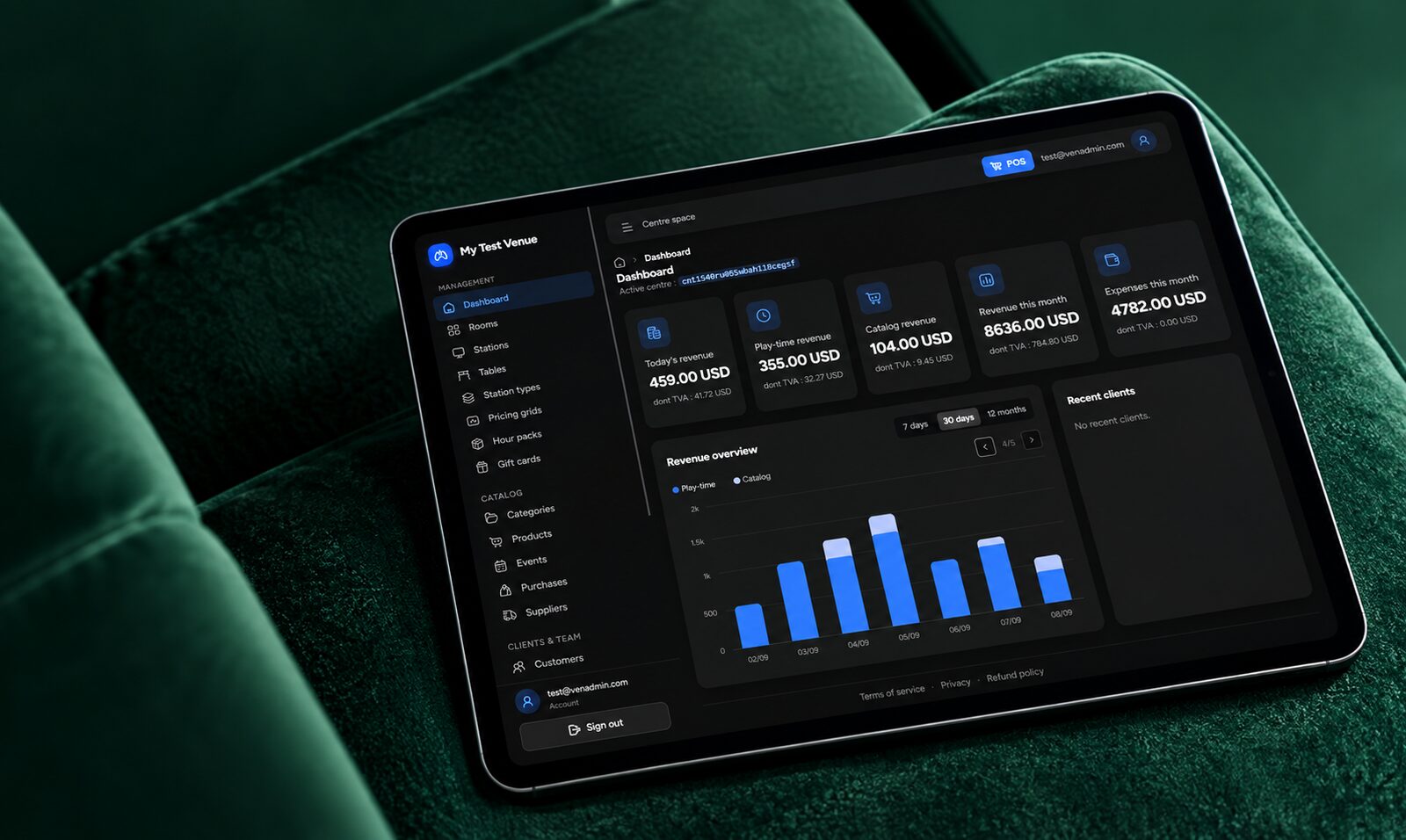
Multi-venue
Manage several venues from one account, each with its currency and language.
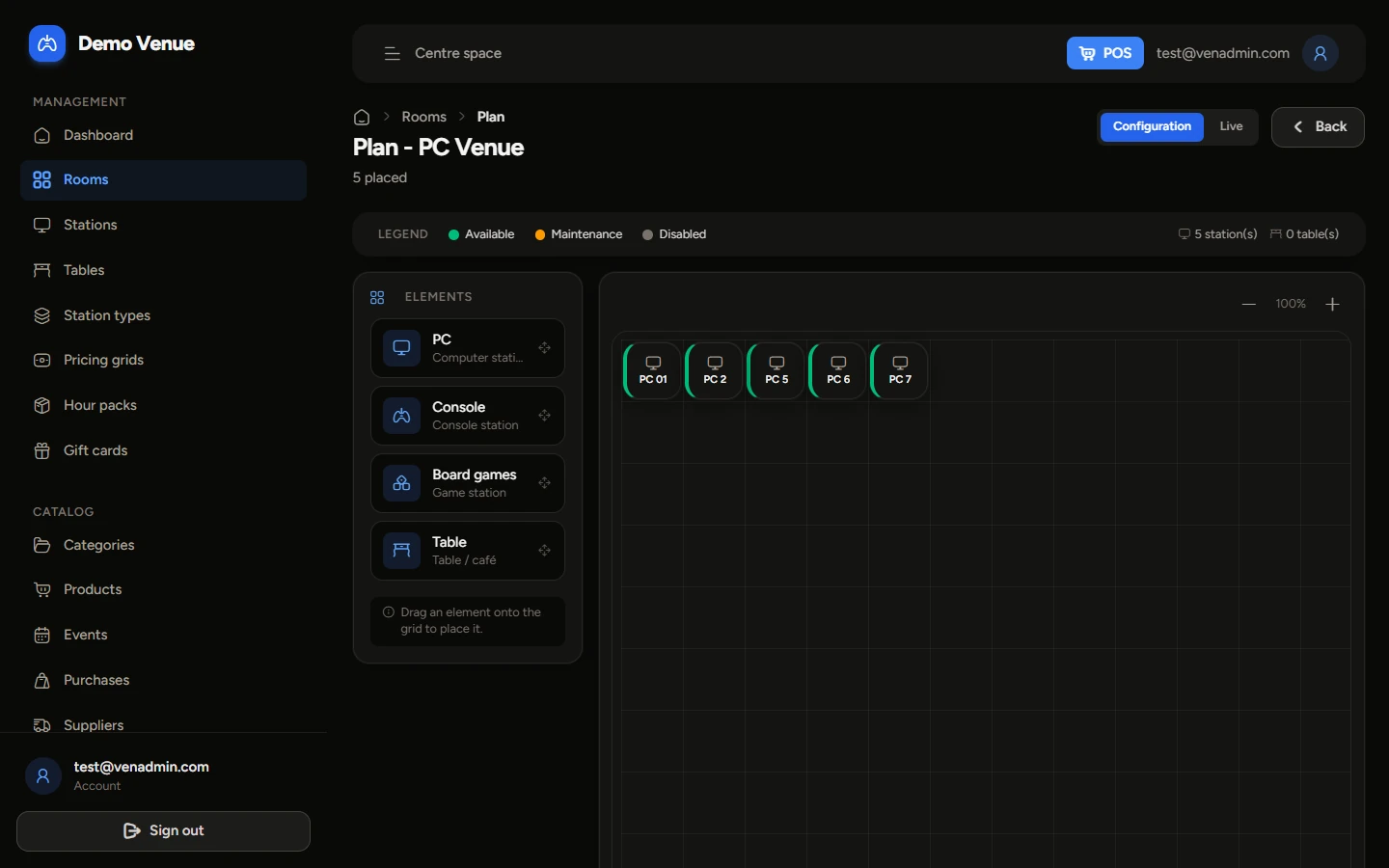
One web app for the whole venue: live floor map, time-based products (sessions billed by the minute, flat rates, hour packs and prepaid time), customers and loyalty, catalog and stock, sales and reports. The point of sale runs on a PC or a tablet at the counter: drinks and snacks on a station's ticket or a café table, ePOS receipts. PC, PlayStation, Xbox, virtual reality or board game stations: each with its own rates on the floor map.
The video is hosted by YouTube and only loads when you click. YouTube may then set its own cookies. Privacy policy
7-day free trial, no credit card
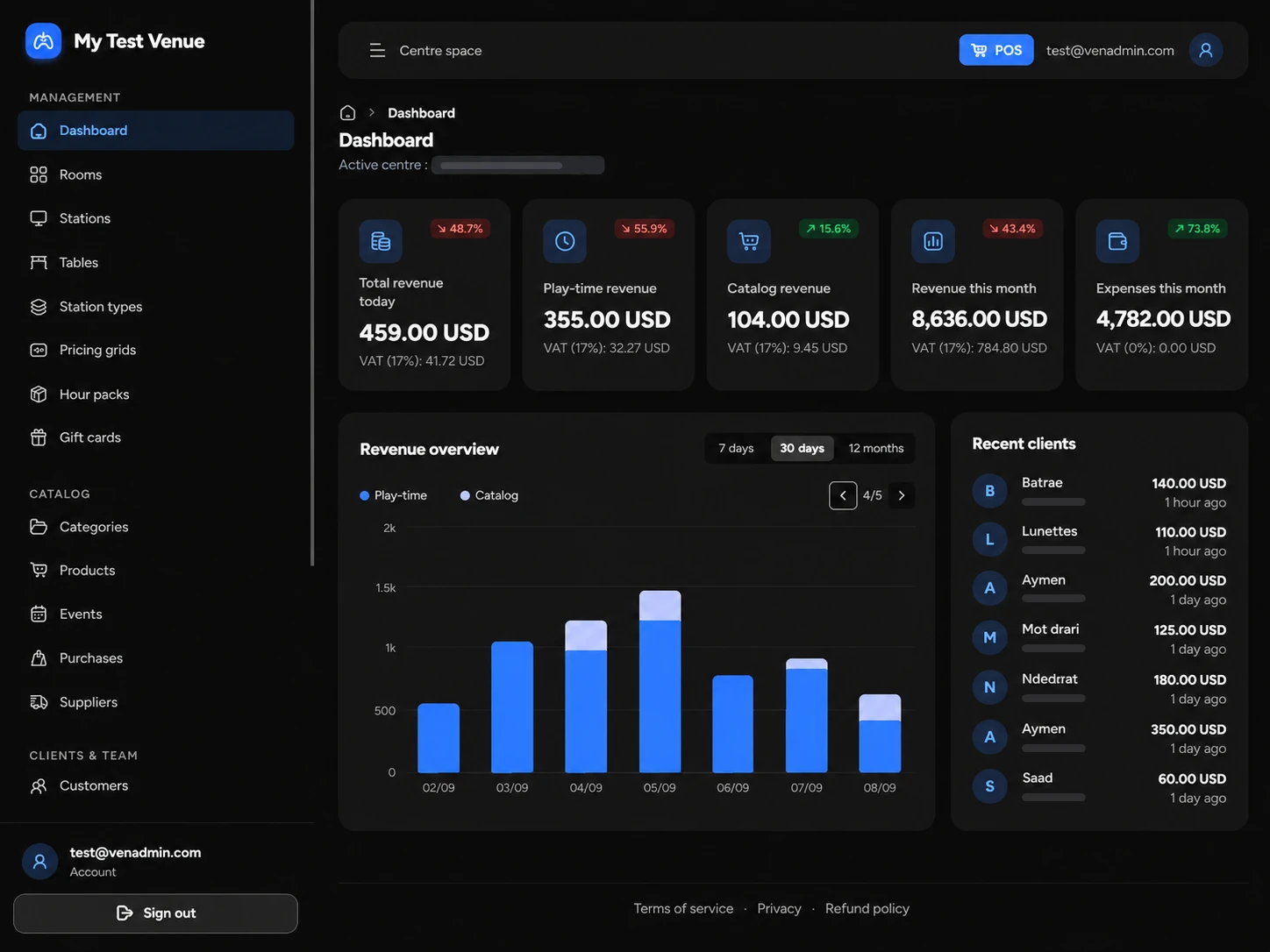
The VenAdmin back-office: real-time floor map, sessions billed by time or flat rate, loyalty and prepaid time, clear reports.
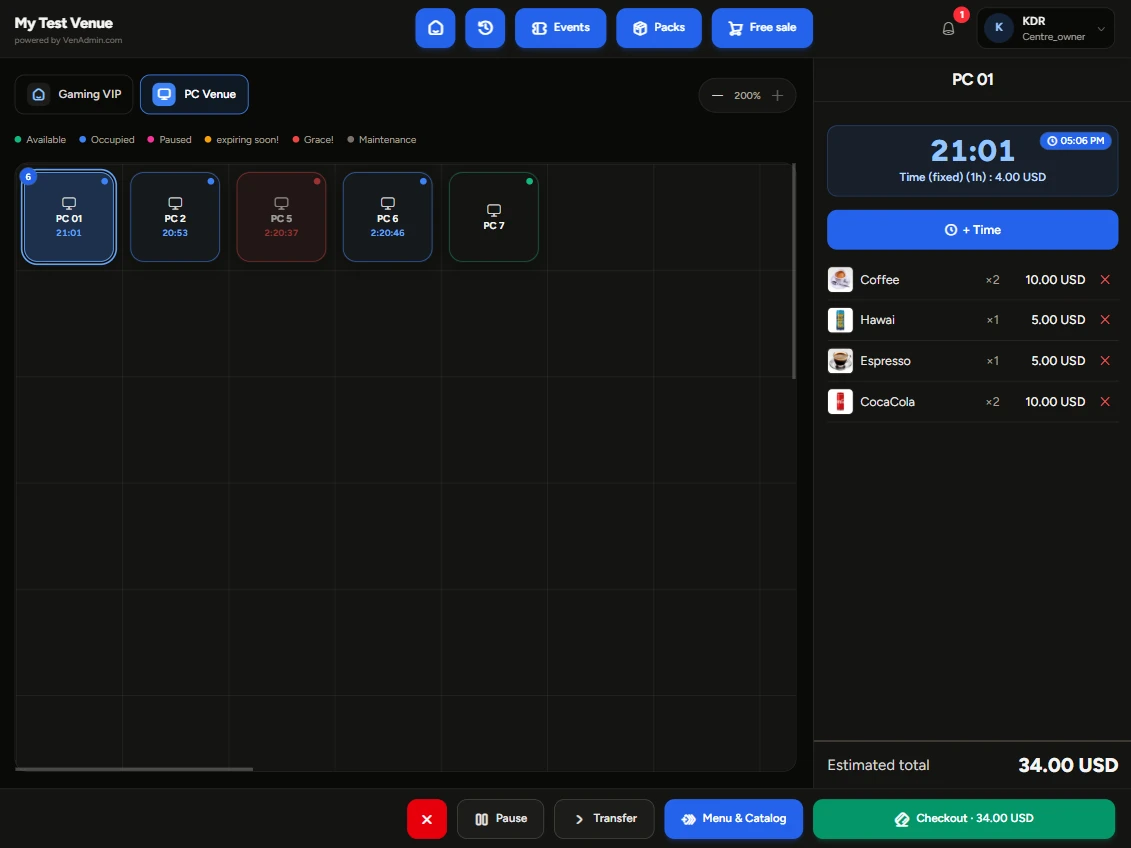
Check out in seconds: product catalog, packs and events, payment (cash, card, credit), receipts and ePOS thermal printing - on PC or tablet.
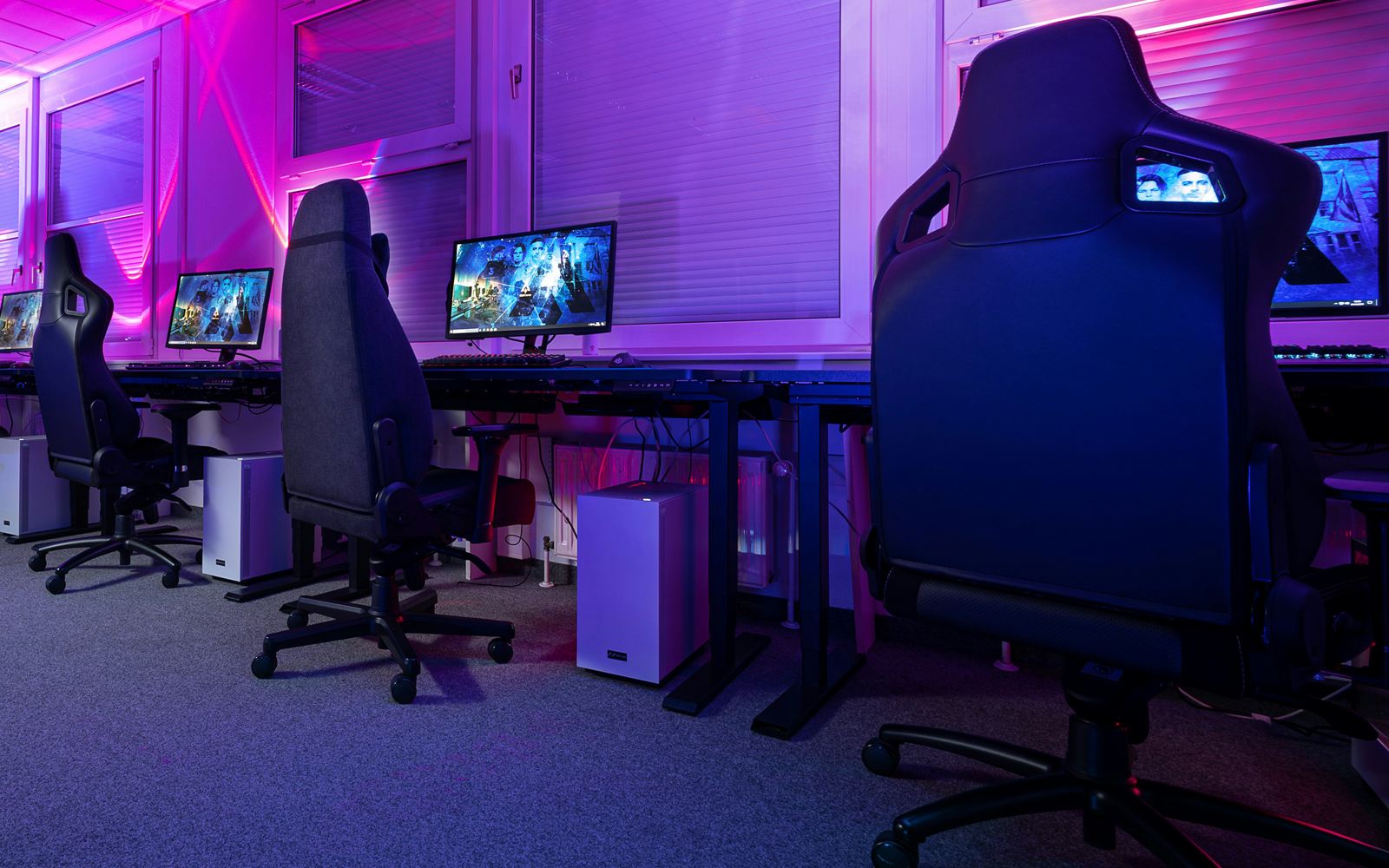
Video game & entertainment center, PlayStation and Xbox console venue, virtual reality (VR) room, cybercafé, e-sport lounge or video game bar: VenAdmin adapts to your stations, your rates and your currency.
Manage several venues from one account, each with its currency and language.

Sell drinks and snacks on a station's ticket, at a table or over the counter, with stock tracking and supplier purchases.

Show prices in your currency and work in your language.
Managers, cashiers, technicians: each with their own access.
Everything happens in the browser, nothing to install: create your venue, set it up, then open the register.
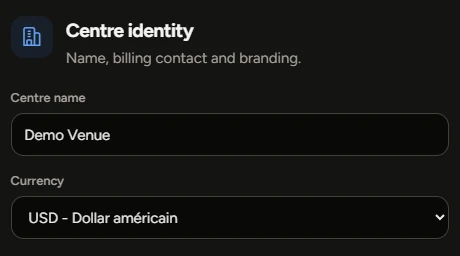
Sign up, name your venue and pick its currency, VAT and language. Your 7-day trial starts right away.
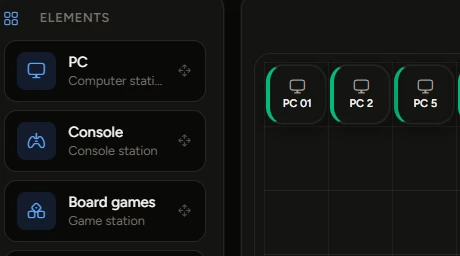
Draw the floor map, create your PC, console or VR stations with their pricing grids, then add your products.
Start sessions, check out on PC or tablet and follow your revenue live.
Start free, scale when you want.
The full product, no credit card
Then move to Starter or Pro. Your data is kept.
VenAdmin runs in the browser, no install. An optional lightweight agent locks/unlocks your venue's PCs.
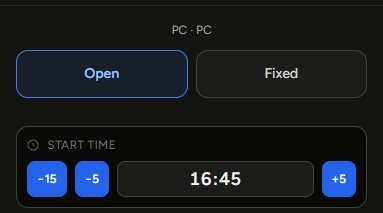
Yes. Open sessions billed by the minute or fixed-duration packages; prepaid time counts down automatically.
Yes, the register has a full-screen tablet mode and prints to ePOS thermal printers.
7-day free trial, no credit card. You keep your data if you upgrade to a paid plan.
Yes. Each console is a station on the floor map with its own pricing grid: bill by the hour, by flat rate or from prepaid time, exactly like a PC.
Yes. Create a VR station type with its own rates and session length, then track every headset from the floor map like any other station.
Yes: PC sessions billed by the minute, automatic station locking through the PC agent, a register for drinks and snacks, customer accounts and prepaid time.
All of them. Each venue picks its currency, language and time zone. The interface ships in French, English and Arabic, and subscriptions are invoiced by us, payable by bank transfer.
Start your 7-day free trial. No credit card, no commitment.
Free trialBuilt for your business